For many e-commerce websites using Google Analytics 4 and Google Ads, the new_customer parameter is rarely implemented, as awareness of it remains low among marketers. At the same time, it provides valuable insights beyond a standard e-commerce setup.
Most implementations rely on GA4’s automatic new and returning visitor detection, which is based on cookies and therefore not very reliable. This method does not distinguish true new customers (first-time purchasers) from returning customers, as both can purchase on their second, third, or later visit and be classified as “returning”. Or they can purchase on what appears to be their first visit based on cookie data and be classified as “new”, even though it may not actually be their first visit or first purchase.
In reality, identifying a true new customer requires backend logic and additional configuration that goes beyond basic e-commerce setups. However, in many cases, it can be quite easy to implement.
new_customer tracking setup
Several Google Tag Manager plugins or apps for popular e-commerce platforms generate the new_customer parameter in the purchase dataLayer by default. For example, the GTM4WP plugin for WordPress or Stape.io WordPress plugins and Shopify apps.
In other cases, developer assistance may be required to generate the new_customer parameter in the dataLayer.
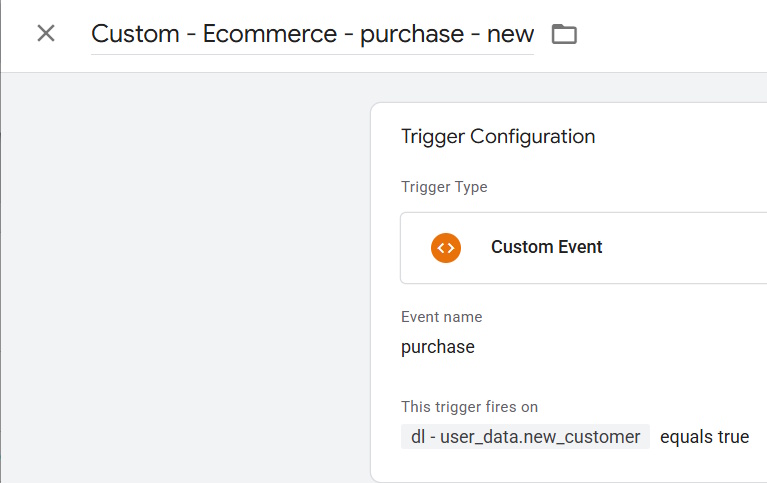
Once available in the dataLayer, this parameter can be used for GTM event triggers and sent to various marketing platforms.
The new_customer parameter is predefined only in Google Ads, where it must contain a boolean value (true or false).
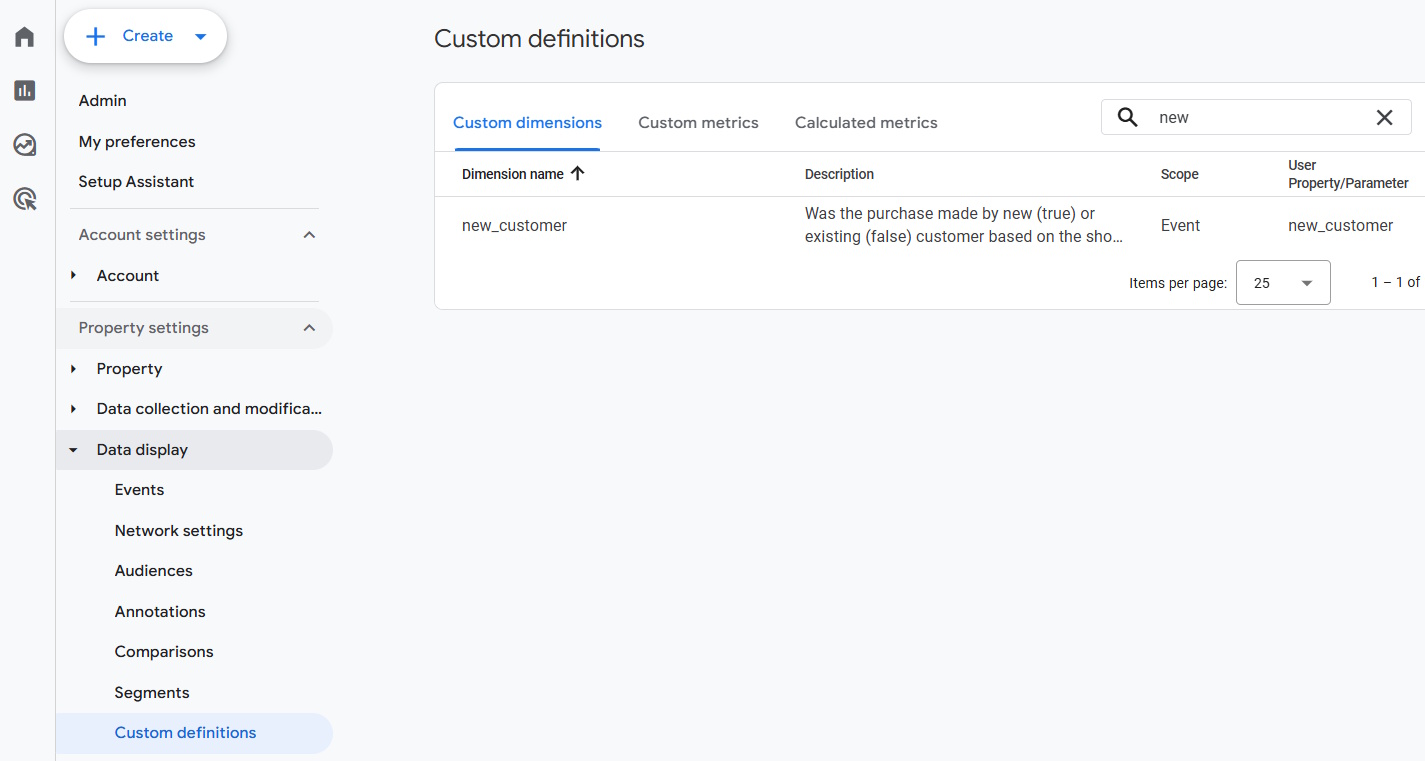
In GA4, it is a custom parameter that must be registered as a custom dimension before it can be used in the interface.
new_customer usage examples
Any platform
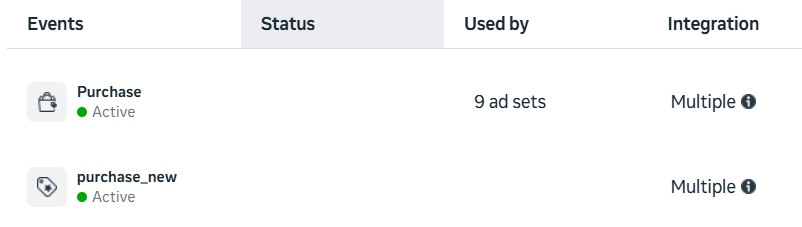
Create separate conversion actions for new and returning customer purchases for optimization, reporting, and remarketing audience creation.
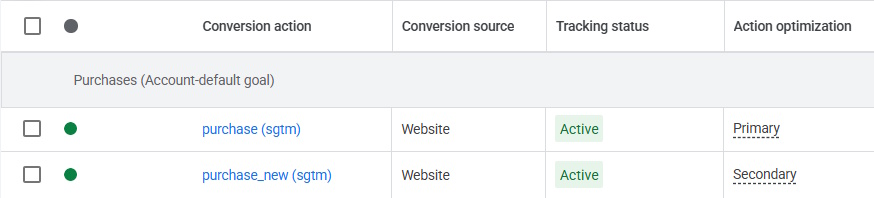
Google Ads:
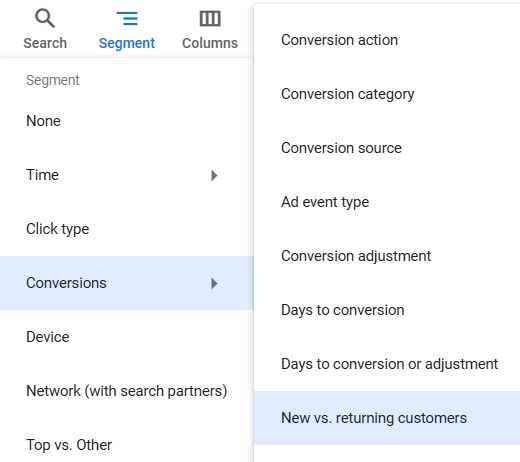
Enable new vs. returning customers conversion segmentation. Select this Segment in Google Ads:
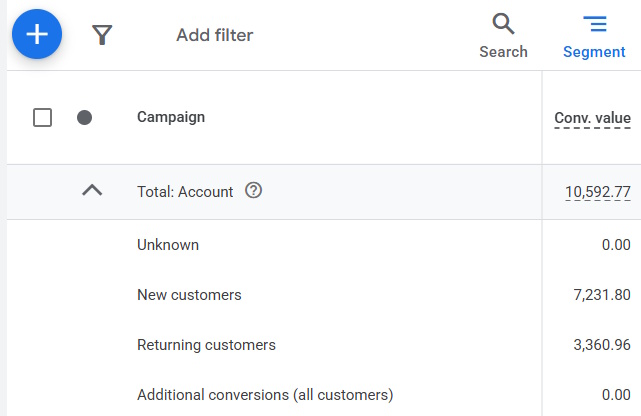
And you could see Conversions and Conversion Value attributed to New or Returning customers.
Google Analytics 4:
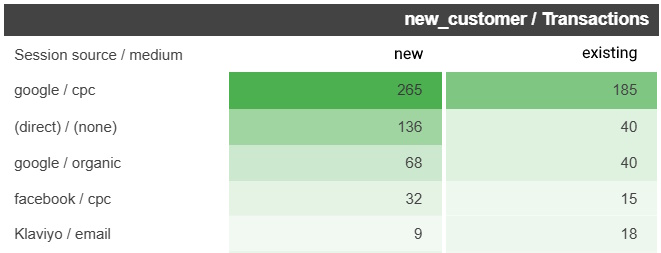
Analyze which marketing channels and campaigns drive new versus existing customers. For example, you can notice that some campaigns resulted in more new or existing customer sales than expected.
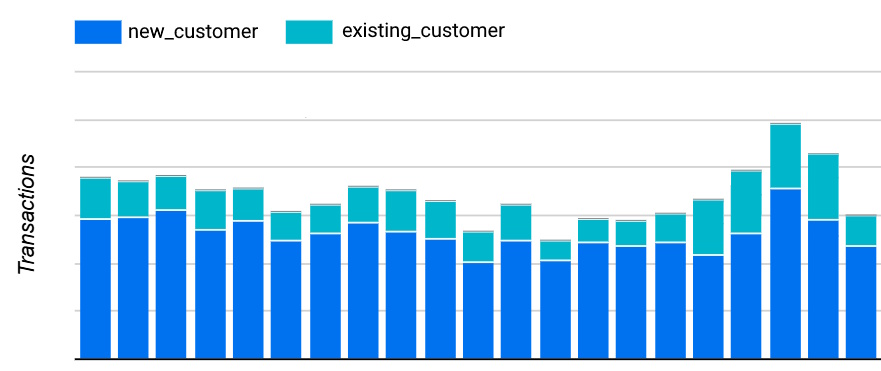
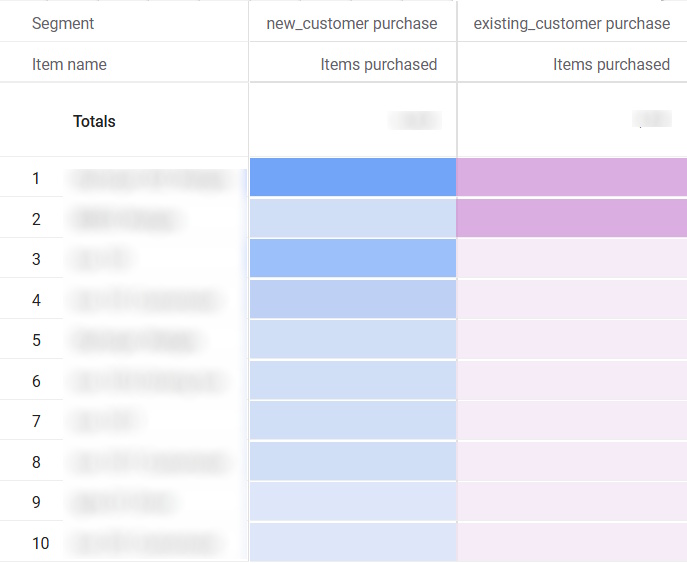
Analyze behavioral differences and similarities between new and returning customers, including metrics, product views, products purchased, pages visited, and events triggered.